SEO Tips for WordPress Websites (2025 Guide)
If you’ve built your website on WordPress, you’ve already made a smart choice. WordPress is SEO-friendly, flexible, and perfect for beginners. But to rank higher on Google, you need the right SEO strategy.
Here are top SEO tips for WordPress websites to help your site grow in 2025.
Install an SEO Plugin
The first step is to use a powerful SEO plugin.
Recommended Plugin: Yoast SEO or Rank Math.
Helps you:
- Add meta titles and descriptions
- Create XML sitemaps
- Optimize keywords and readability
- Manage social sharing previews
Tip: Keep only one SEO plugin active to avoid conflicts.
Choose an SEO-Friendly Theme
Your WordPress theme affects website speed and SEO.
Use a lightweight and responsive theme like:
- Astra
- GeneratePress
- Kadence
- Neve
Tip: Avoid heavy themes with too many animations — they slow down your site.
Optimize Website Speed
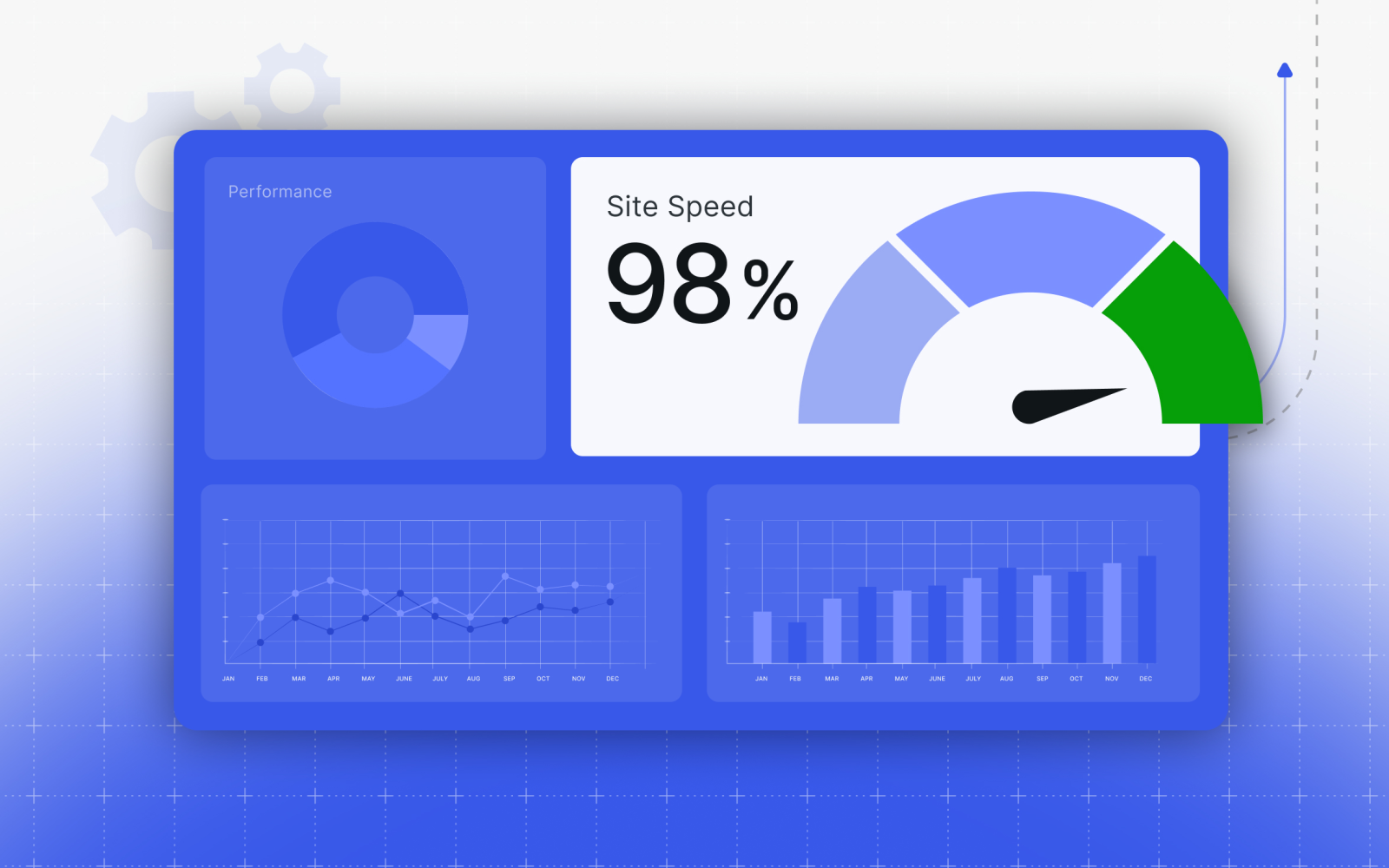
A fast website improves both SEO and user experience.
Ways to improve speed:
- Use a caching plugin like WP Rocket or LiteSpeed Cache
- Compress images with Smush or TinyPNG
- Use a reliable hosting provider (like Hostinger or SiteGround)
- Enable lazy loading
Tip: Test speed using Google PageSpeed Insights .
Use Proper Heading Structure
Use headings (H1, H2, H3) to organize your content.
Example:
- H1 → Page Title (only once per page)
- H2 → Main Sections
- H3 → Subpoints
Tip: Always include your main keyword in H1 and H2 for better SEO.
Optimize Images with Alt Text
Google can’t “see” images — it reads alt text.
When uploading an image, always add a short alt description.
Example:
Instead of “IMG123.jpg,” use → “WordPress SEO Optimization Screenshot.”
Tip: Use relevant keywords naturally in alt text.
Create Quality Content
Content is the heart of SEO.
Write valuable, original, and keyword-rich articles.
Tips for content writing:
- Use your main keyword in the first 100 words
- Add related keywords (LSI keywords)
- Use short paragraphs (2–3 lines each)
- Add bullet points, images, and examples
Goal: Keep readers engaged and reduce bounce rate.
Build Internal Links
Internal linking connects your posts and helps Google understand your site.
Example:
- If you wrote about “WordPress Plugins,” link it to “SEO Tips for WordPress.”
Tip: Add 2–4 internal links per article.
Make Your Website Mobile-Friendly
Most visitors use mobile devices.
- Use a responsive theme and test with Google’s Mobile-Friendly Test.
Tip: Avoid small fonts or images that overflow on mobile screens.
Submit Sitemap to Google
A sitemap tells Google about your site structure.
- Go to Google Search Console → Sitemaps → Add sitemap URL
(Example:yourwebsite.com/sitemap_index.xml)
This helps Google index your pages faster.
Submit Sitemap to Google
SEO is not a one-time setup. Keep checking your site performance using:
- Google Analytics
- Google Search Console
- Ahrefs or Ubersuggest
Tip: Update your old blog posts every few months with fresh data and new keywords.
💡 Final Thoughts
WordPress gives you powerful tools to create SEO-optimized websites.
By following these SEO tips — from installing plugins to optimizing speed and structure — you can easily improve your Google rankings and grow your audience in 2025.